MENU
CLOSE
[1]
Project
Healthcare Exam Platform
[2]
Client
Healthcare Exam Platform
Project type
UX/UI Case Study
Industry
Healthcare · Education
Year
2023
About project
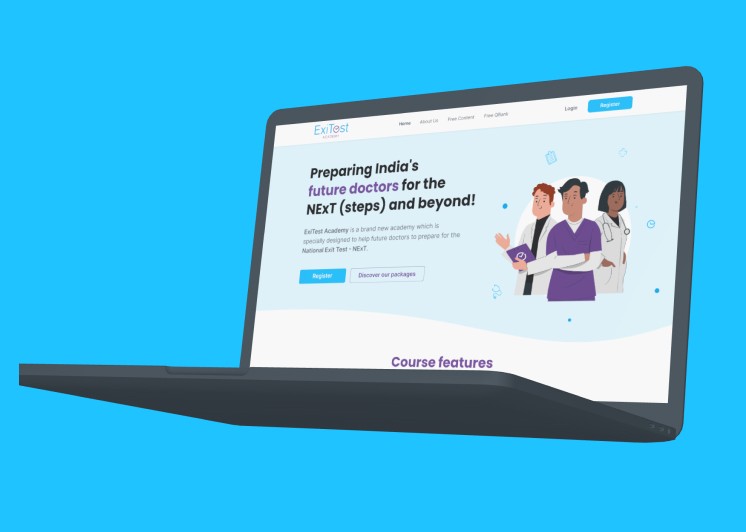
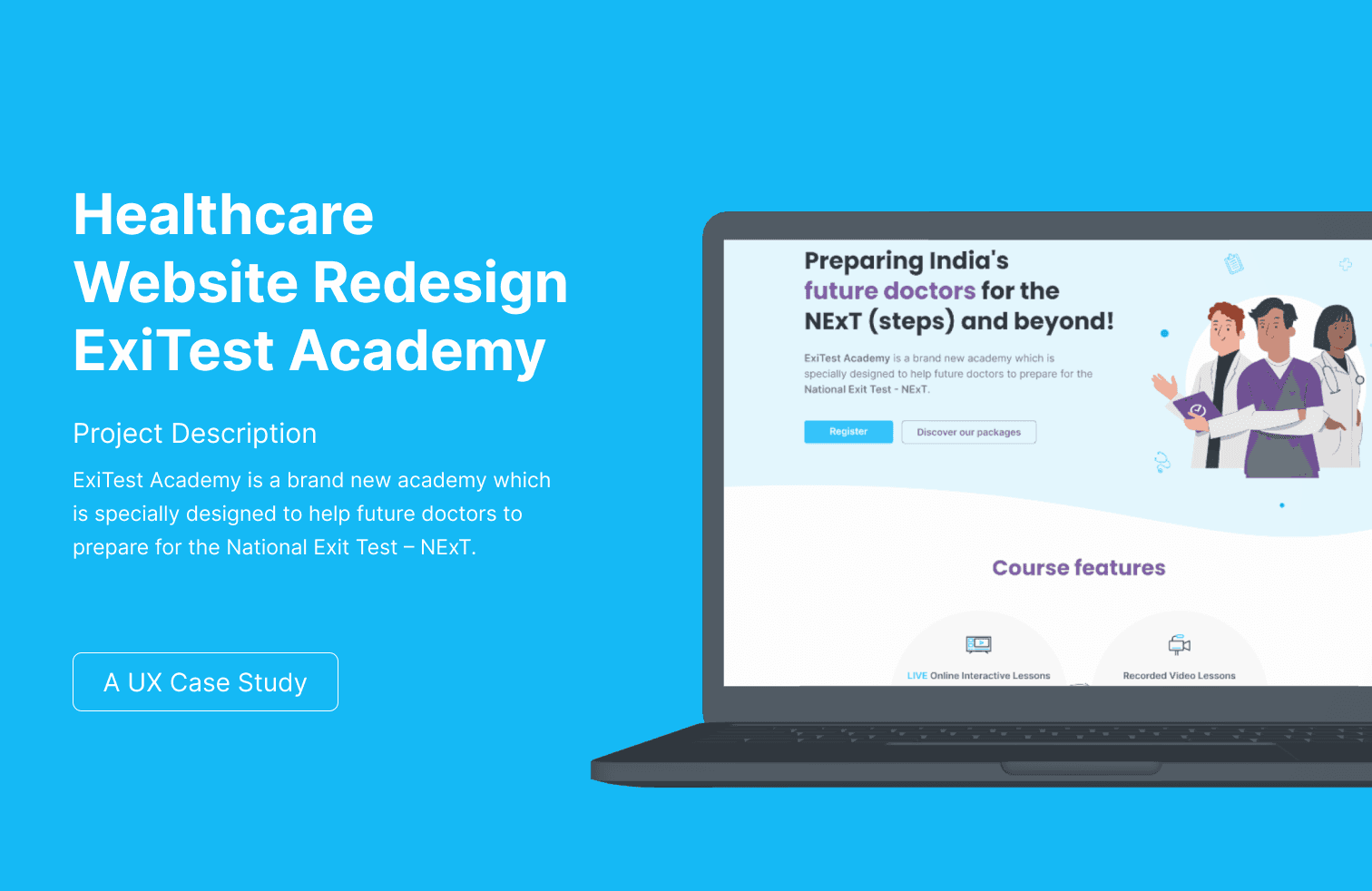
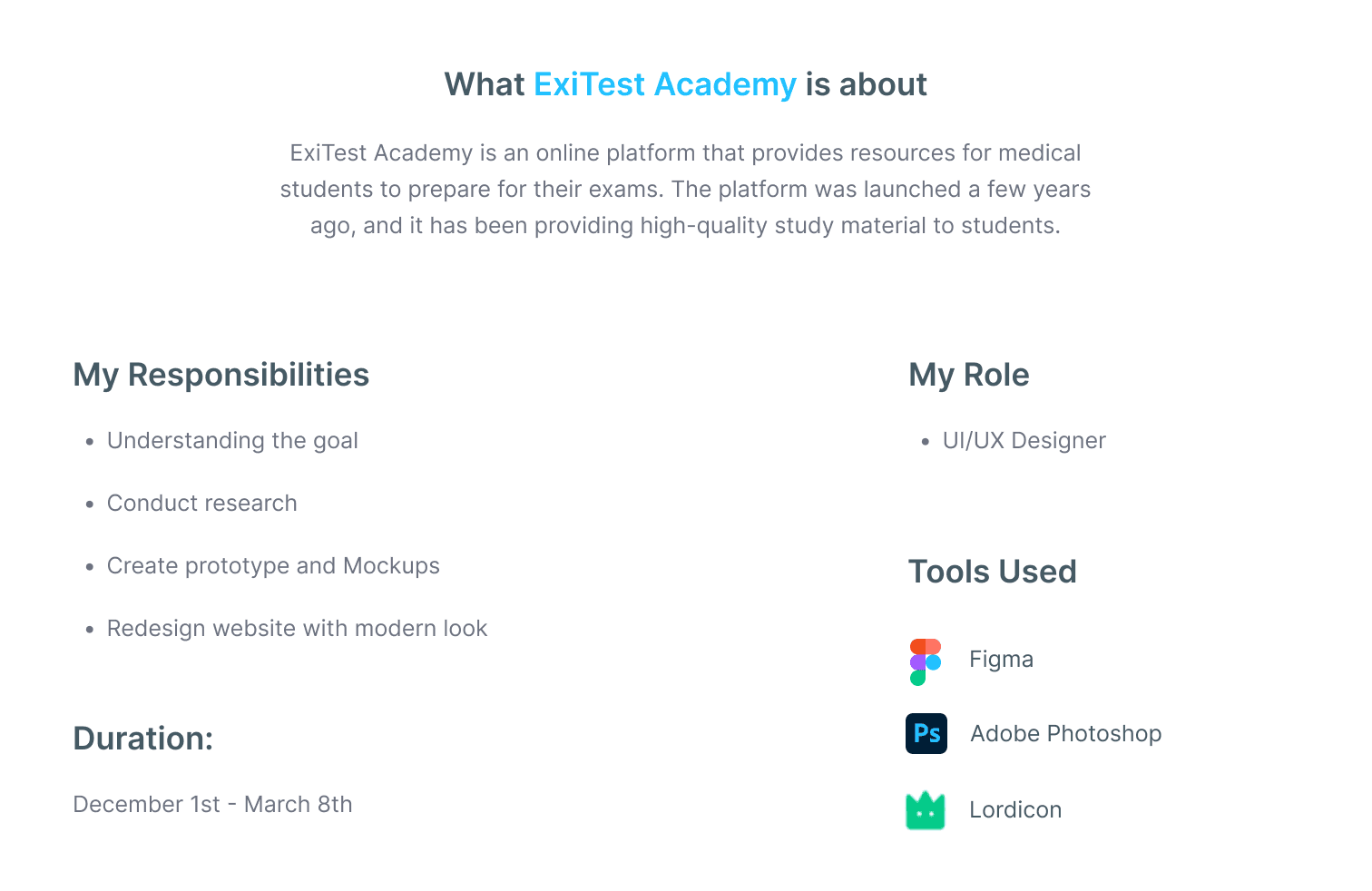
This is a full UX/UI redesign of a medical exam preparation platform used by MBBS students and doctors preparing for NEET PG and licensing certifications. The existing platform had something going for it — genuine content, real pass rates, and a loyal user base but the design was actively getting in the way of people actually studying, which is the entire point of the product. The navigation had nine top-level items with no grouping logic, which meant students spent time clicking around before opening a single textbook. More than sixty percent of users accessed the platform on mobile — mostly during commutes and hospital breaks but the mobile layout was broken. The study interface itself had ads, banners, and navigation all competing with the content, with no focus mode and no way to track how far you were through a module. The homepage, despite the platform having genuinely strong results, buried its pass rates and certifications somewhere in the footer where no one ever saw them. The redesign brief was simple: fix all of that without rebuilding everything from scratch.
This is a full UX/UI redesign of a medical exam preparation platform used by MBBS students and doctors preparing for NEET PG and licensing certifications. The existing platform had something going for it — genuine content, real pass rates, and a loyal user base but the design was actively getting in the way of people actually studying, which is the entire point of the product. The navigation had nine top-level items with no grouping logic, which meant students spent time clicking around before opening a single textbook. More than sixty percent of users accessed the platform on mobile — mostly during commutes and hospital breaks but the mobile layout was broken. The study interface itself had ads, banners, and navigation all competing with the content, with no focus mode and no way to track how far you were through a module. The homepage, despite the platform having genuinely strong results, buried its pass rates and certifications somewhere in the footer where no one ever saw them. The redesign brief was simple: fix all of that without rebuilding everything from scratch.
[3]
What I did
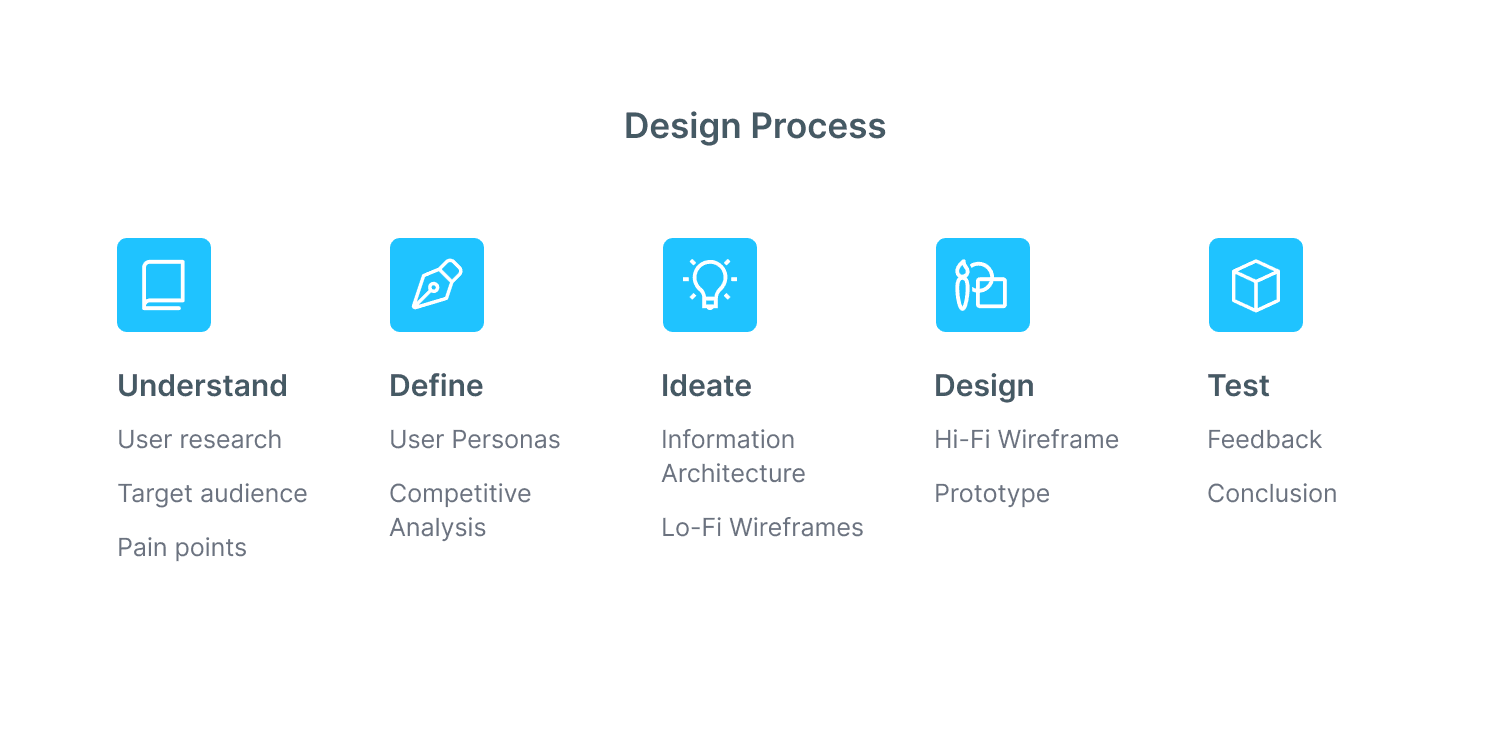
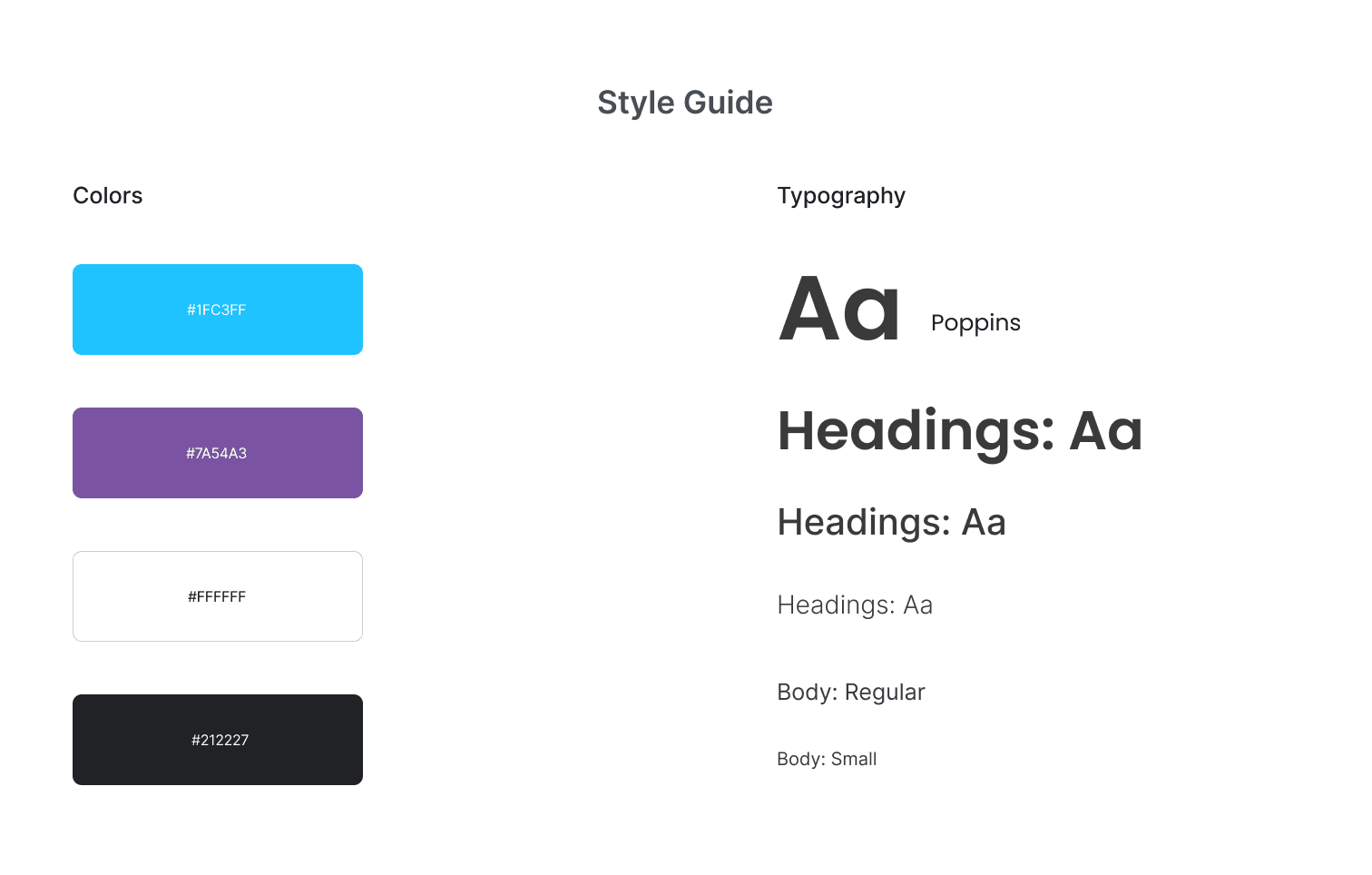
I led end-to-end UX and UI design from competitive analysis across Marrow, PrepLadder, DAMS, and Byjus Exam Prep, through information architecture, wireframing, and high-fidelity delivery in Figma. The first and most impactful decision was structural: navigation was reduced from nine top-level items to four categories that mapped directly to the student journey Find Course, Study, Practice Tests, and Track Progress. Everything else moved to secondary navigation. A distraction-free focus mode was the most requested missing feature across every competitor I reviewed fullscreen reading, a persistent progress bar showing exactly how far through a module you are, font size adjustment, and a dark and light toggle, because students read for hours at a stretch and eye comfort is not optional when you're studying complex medical content. The homepage was rebuilt to lead with trust pass rate statistics, certification badges, and student success numbers placed above the fold, not buried three scrolls down. All screens were designed mobile-first, starting at 375px and scaling up, because designing for desktop first and hoping it works on phones is exactly how the original site ended up broken for sixty percent of its users. Every screen was delivered with WCAG 2.1 AA compliance and full Figma Dev Mode documentation for handoff.
I led end-to-end UX and UI design from competitive analysis across Marrow, PrepLadder, DAMS, and Byjus Exam Prep, through information architecture, wireframing, and high-fidelity delivery in Figma. The first and most impactful decision was structural: navigation was reduced from nine top-level items to four categories that mapped directly to the student journey Find Course, Study, Practice Tests, and Track Progress. Everything else moved to secondary navigation. A distraction-free focus mode was the most requested missing feature across every competitor I reviewed fullscreen reading, a persistent progress bar showing exactly how far through a module you are, font size adjustment, and a dark and light toggle, because students read for hours at a stretch and eye comfort is not optional when you're studying complex medical content. The homepage was rebuilt to lead with trust pass rate statistics, certification badges, and student success numbers placed above the fold, not buried three scrolls down. All screens were designed mobile-first, starting at 375px and scaling up, because designing for desktop first and hoping it works on phones is exactly how the original site ended up broken for sixty percent of its users. Every screen was delivered with WCAG 2.1 AA compliance and full Figma Dev Mode documentation for handoff.
[4]
More projects
Explore other projects
CLIENT
PROJECT TYPE
INDUSTRY
YEAR
FreshCart
UX/UI Case Study
eCommerce · Grocery
2023
FreshCart
UX/UI Case Study
2023
FreshCart
2023
PolicySafe
Mobile App Design
Insurance · FinTech
2023
PolicySafe
Mobile App Design
2023
PolicySafe
2023
DeepCore Marine
B2B Website Design
Marine · Offshore Services
2025
DeepCore Marine
B2B Website Design
2025
DeepCore Marine
2025
Explosive Whey
eCommerce Website Design
Sports Nutrition · D2C
2022
Explosive Whey
eCommerce Website Design
2022
Explosive Whey
2022
Anovate
SaaS Landing Page UI
B2B · SaaS · Workflow Automation
2024
Anovate
SaaS Landing Page UI
2024
Anovate
2024
Pandit Chai
Website Redesign
Food & Beverage
2025
Pandit Chai
Website Redesign
2025
Pandit Chai
2025
Bend Soap Co.
eCommerce Redesign
D2C · Skincare
2024
Bend Soap Co.
eCommerce Redesign
2024
Bend Soap Co.
2024